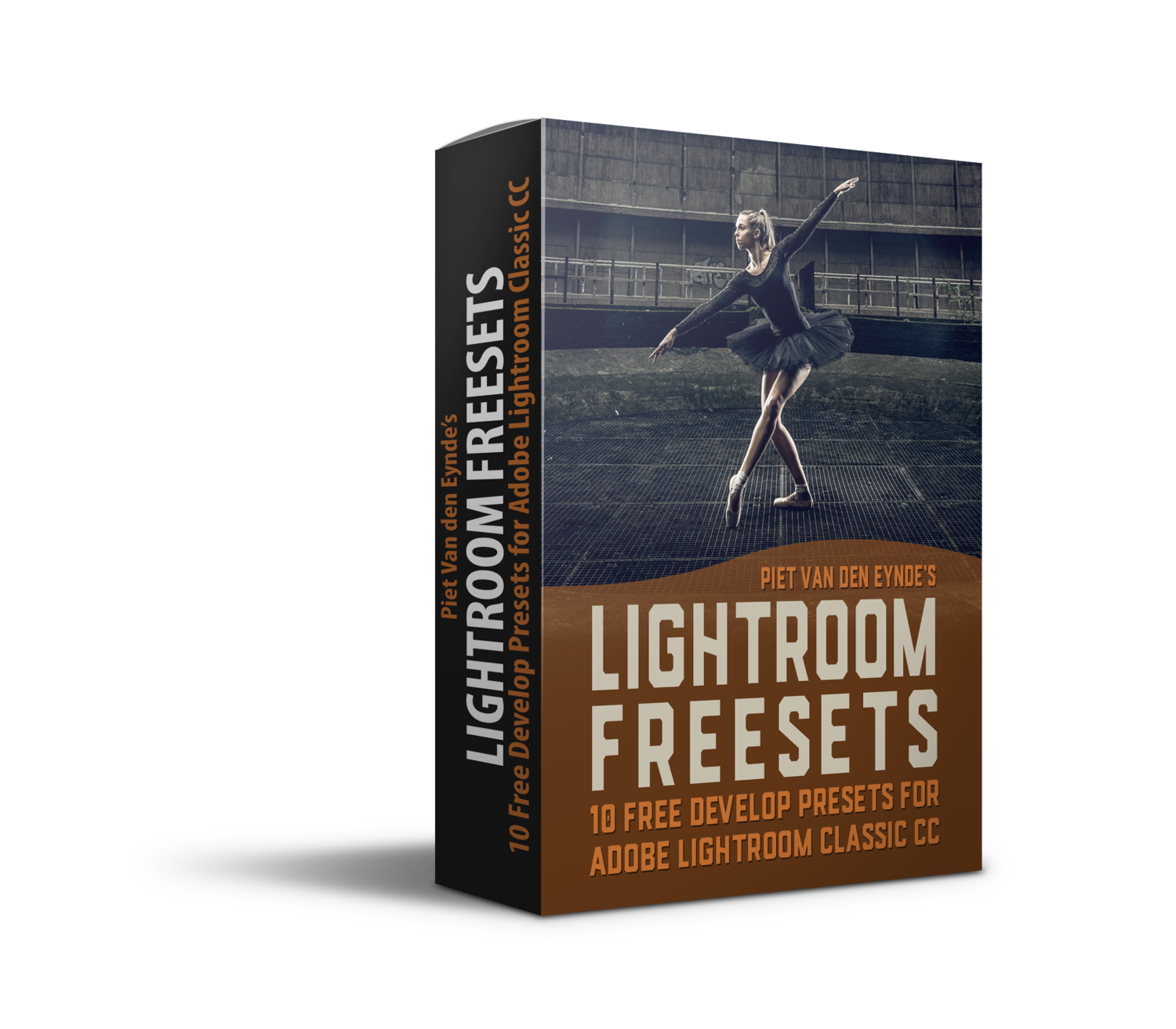
Hello, thank you for subscribing to my newsletter. Below, you can download my Free Lightroom Presets. This is a set of 10 presets, 6 Color Presets & 4 Black & White presets that I use on my own images. I hope you like them! By the way, they also work in Adobe Camera Raw and the Camera Raw filter in Photoshop.
To install them via Lightroom Classic, follow these easy steps:
Download the zip file to a place on your computer. No need to unzip it.
In Lightroom Classic’s Library Module, select File > Import Develop Profiles & Presets
Navigate to where you downloaded the zip file, select it and click ‘Import’
You will now find a folder MTW Lightroom Freesets in the Develop Presets Panel on the left hand side of Lightroom’s Develop Module
Hovering over a preset will preview its effect. If you apply a preset and you like the effect but you think it’s a bit too strong, you can use the Amount slider at the top of the Presets panel to fade the effect.
If you want to use them in Photoshop and/or Camera Raw, and you don’t use Lightroom, here’s an alternative installation procedure:
Open an image in Photoshop
Go to Filter > Camera Raw Filter
Click the Presets icon (two overlapping circles), then the ... menu, and choose "Import Profiles & Presets"
Select your downloaded .zip file (don't unzip) to load them directly into the panel for easy use.
More Presets & Training?
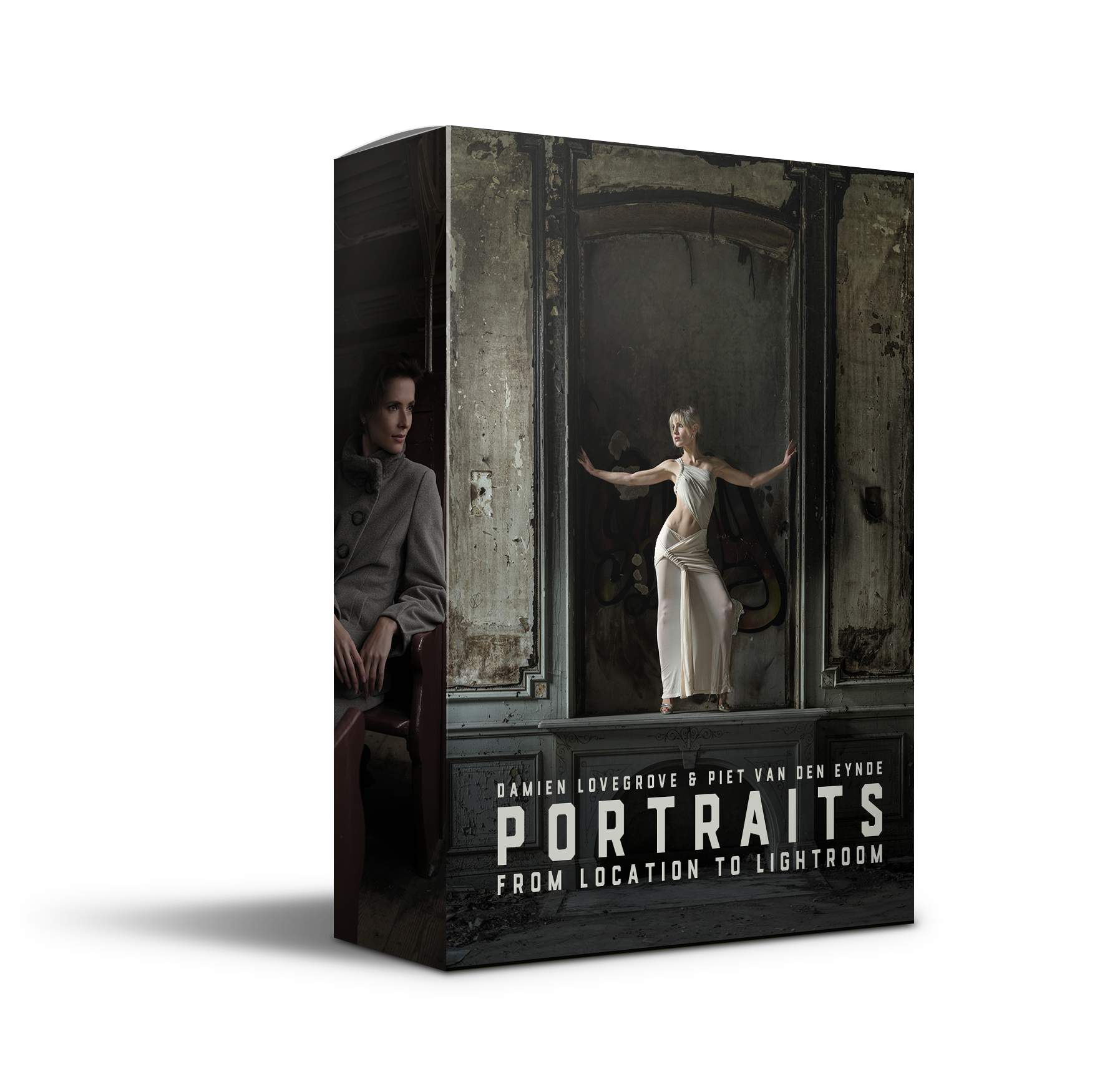
My brand-new ‘Portraits’ course, that I created with master portrait photographer Damien Lovegrove, contains, in addition to the 3 hours of training, a set of 10 advanced Lightroom Presets that are specifically made for portraiture and that contain masks, allowing for incredibly quick and beautiful edits. Check out the trailer of the course below.